
Productivity · Open source
App Manager
Muntashir Al-Islam
A fully-featured package manager for android.
Opens the official F-Droid page


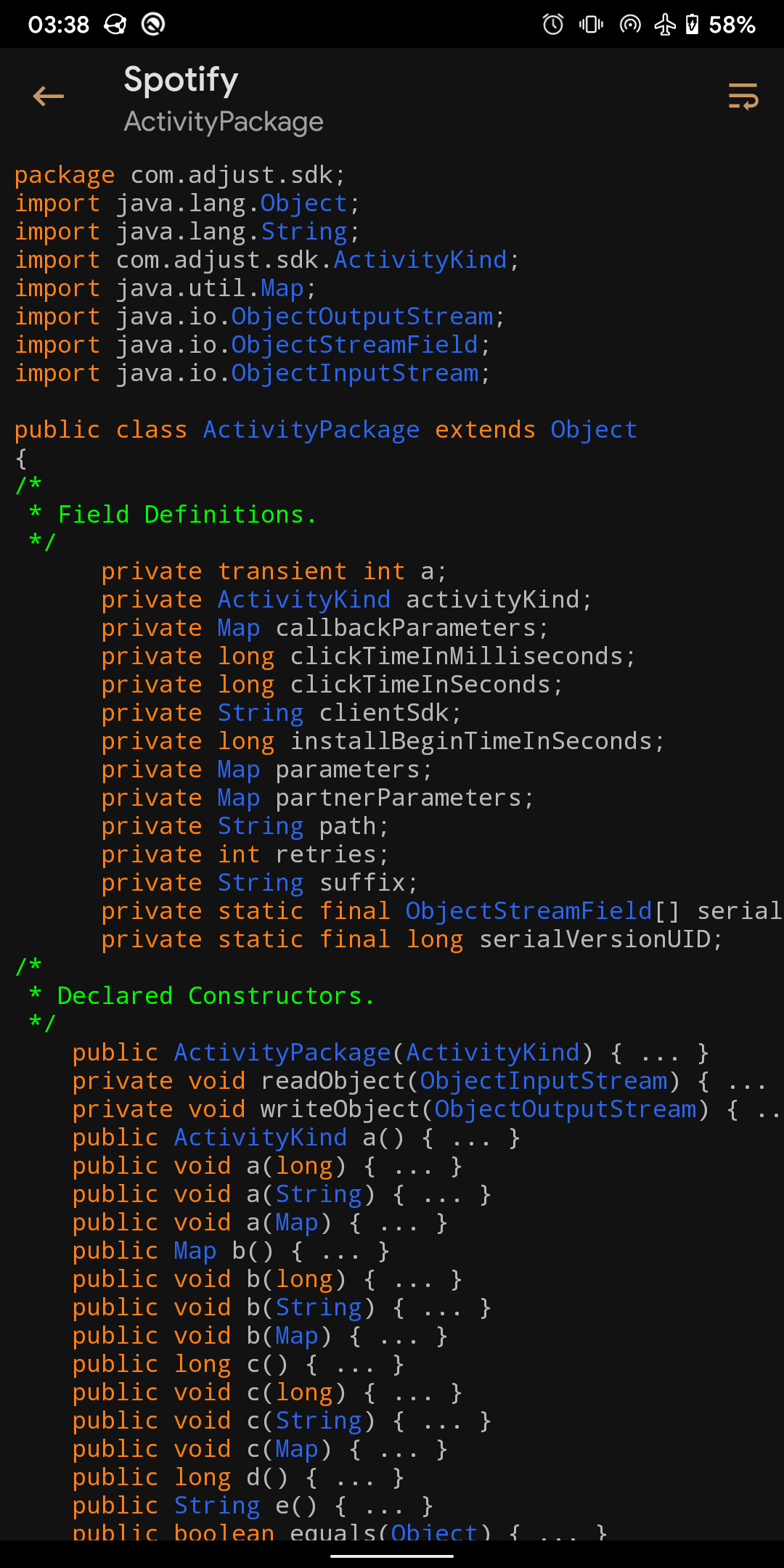


About App Manager
App Manager began by merging the features of App_packages Info (formerly Application Info ), ClassyShark3xodus , Activity Launcher and Watt into a single app with material design and dark mode to give a modern look and feel.
General features
• Fully reproducible, copylefted libre software (GPLv3+)
• Material 3 with dynamic colours
• Display as much information as possible in the main page
• List activities, broadcast receivers, services, providers, app ops, permissions, signatures, shared libraries, etc. of an application
• Launch activities and services
• Create shortcuts of activities
• Intercept activities
• Scan for trackers and libraries in apps and list (all or only) tracking classes (and their code dump)
• View/save the manifest of an app
• Display app usage, data usage (mobile and Wi-Fi), and app storage info (requires “Usage Access” permission)
• Install/uninstall APK files (including APKS, APKM and XAPK with OBB files)
• Share APK files
• Back up/restore APK files
• Batch operations
• Single-click operations
• Logcat viewer, manager and exporter
• Profiles
• Debloater
• Code editor
• File manager
• Simple terminal emulator
• Open an app in Aurora Store or in your favourite F-Droid client
• Sign APK files with custom signatures before installing
What's new in 4.1.1
- Added option to revoke internet permission in Android 14+ - Fixed intercepting browser URLs - Fixed listing applications on Android 17 - Fixed title ordering in What's New dialog - Improved installation reliability and performance - Improved permission management and ADB connectivity - Added support for editing .bat files - Improved settings transitions and startup messages.
How to install App Manager
- Tap Download — the app's official page on F-Droid opens.
- Install it with the F-Droid app (recommended, for automatic updates), or use the download button on that page.
- If Android asks, allow the F-Droid app or your browser to install apps, then tap Install.
- Open App Manager from your app drawer.
More productivity apps
 ChatGPTProductivity
 Google GeminiProductivity
 ClaudeProductivity
 Google DriveProductivity
 Microsoft WordProductivity
 Microsoft ExcelProductivity
 Google DocsProductivity
 Adobe Acrobat ReaderProductivity
 NotionProductivity
 Google KeepProductivity
 CamScannerProductivity
 Track & GraphProductivityKai 9000Productivity
 Indic KeyboardProductivity
 Etar - OpenSource CalendarProductivity
 WHPH • Work Hard Play HardProductivity
 UnicodePadProductivity