Tools · Open source
Chess Clock
Chess.com
Adjust your favorite timer to play chess online with friends!
Opens the official F-Droid page


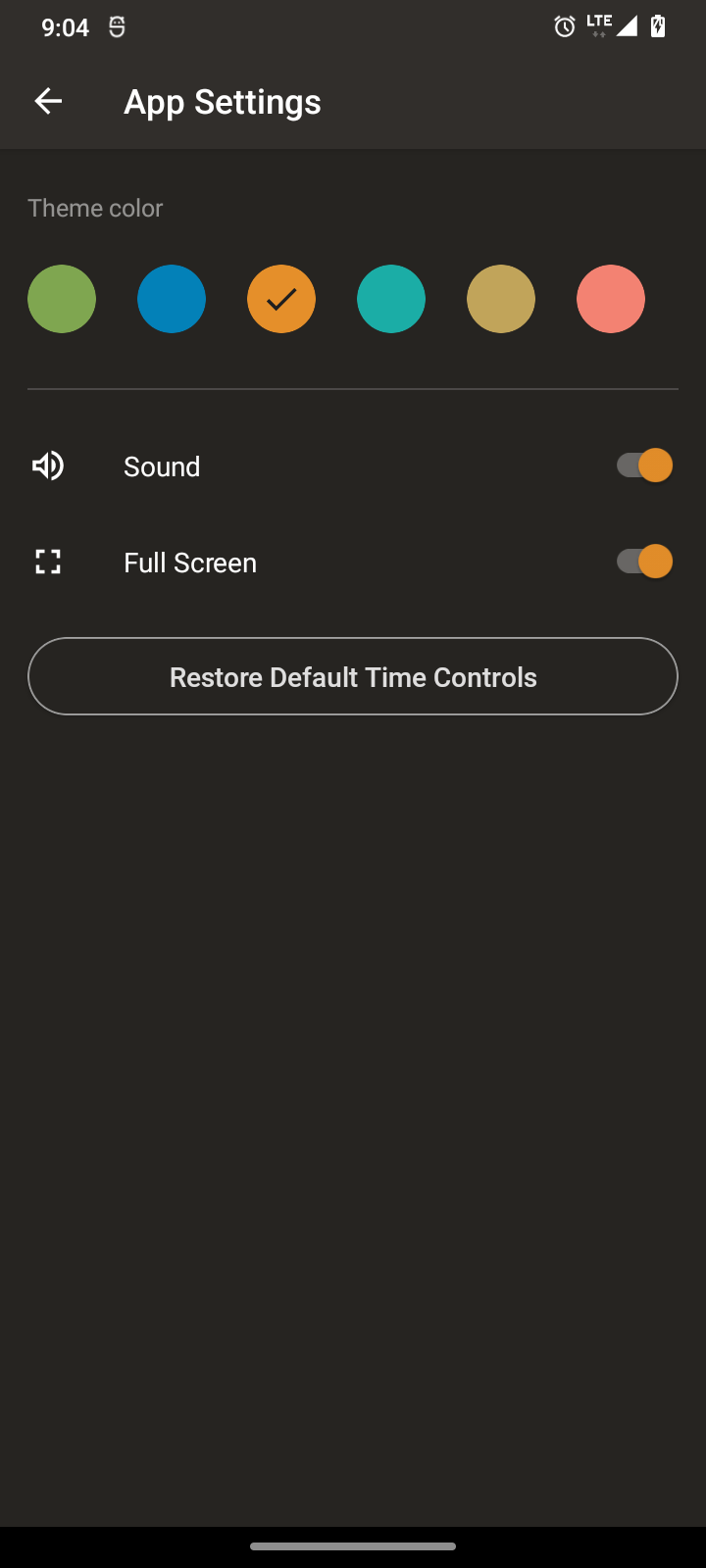


About Chess Clock
Replace your chess clock with this free game timer! It's easy to use, yet fully featured to handle any time control. 100% free: no in-app purchases, no ads!
Choose your time control and you're ready to play. The 2nd player presses her button to start the 1st player's clock - and the game is on!
FEATURES
- Large, easy-to-read buttons
- Works in landscape and portrait on all devices
- Quickly customize the app for one-tap access to all your favorite time controls
- Time controls include base minutes per player and optional per-move delays or bonus time. The app supports both Fischer and Bronstein increments, as well as simple delays. The duration is up to you!
- Supports multiple-stage time controls commonly seen in tournaments, such as "40 moves in 2 hours + game in 60 minutes." A glance at the clock shows your current stage!
- Clock pauses automatically if the app is interrupted; manually pause the clock at any time
- Pleasant sounds for buttons and "time's up" alert
At Chess.com, we really do love chess, and sometimes we even play it offline! For times like that, we created this clock - and we hope you love it as much as we do.
What's new in 1.2.2
Fix edge to edge overlap issue.
How to install Chess Clock
- Tap Download — the app's official page on F-Droid opens.
- Install it with the F-Droid app (recommended, for automatic updates), or use the download button on that page.
- If Android asks, allow the F-Droid app or your browser to install apps, then tap Install.
- Open Chess Clock from your app drawer.
More tools apps
 Google TranslateTools
 Files by GoogleTools
 Google LensTools
 SHAREitTools
 ZArchiverTools
 Custom RR: ROMs & RecoveryToolsFilesTools
 CAPod - Companion for AirPodsTools
 F-DroidToolsSleepGuard - dead man's switchTools
 SD Maid 2/SE - System CleanerTools
 F-Droid Privileged ExtensionTools
 OONI ProbeTools
 ConnectBotToolsGoodtime: Pomodoro TimerTools
 LibreTorrentTools
 ownCloudTools