Tools · Open source
Termux
Tarek Sander
Terminal emulator with packages
Opens the official F-Droid page
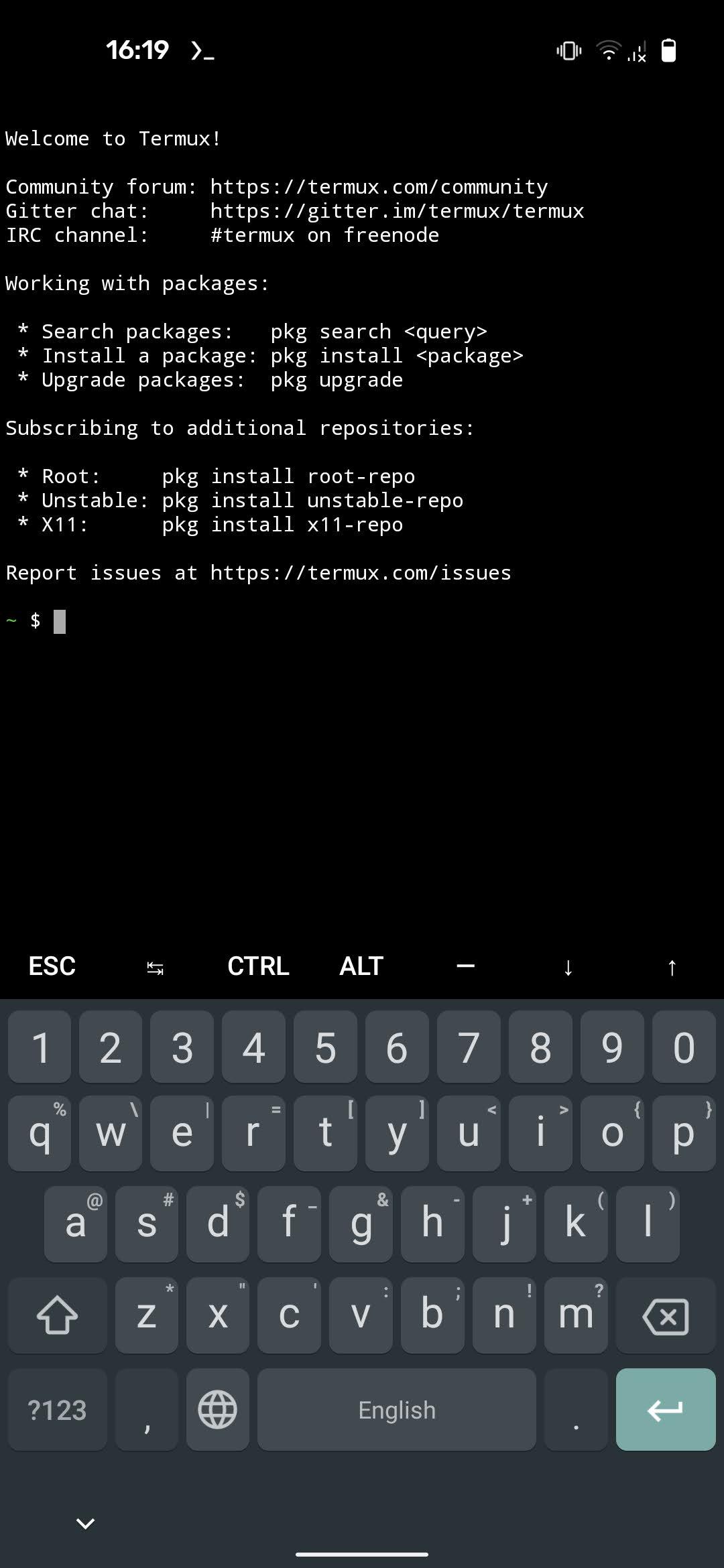


About Termux
Termux combines powerful terminal emulation with an extensive Linux package
collection.
* Enjoy the bash and zsh shells.
* Edit files with nano and vim.
* Access servers over ssh.
* Compile code with gcc and clang.
* Use the python console as a pocket calculator.
* Check out projects with git and subversion.
* Run text-based games with frotz.
At first start a small base system is downloaded - desired packages can then be
installed using the apt package manager known from the Debian and Ubuntu Linux
distributions. Access the built-in help by long-pressing anywhere on the
terminal and selecting the Help menu option to learn more.
Read help online: https://wiki.termux.com/
Reddit Community: https://termux.com/community
How to install Termux
- Tap Download — the app's official page on F-Droid opens.
- Install it with the F-Droid app (recommended, for automatic updates), or use the download button on that page.
- If Android asks, allow the F-Droid app or your browser to install apps, then tap Install.
- Open Termux from your app drawer.
More tools apps
 Google TranslateTools
 Files by GoogleTools
 Google LensTools
 SHAREitTools
 ZArchiverTools
 Custom RR: ROMs & RecoveryToolsFilesTools
 CAPod - Companion for AirPodsTools
 F-DroidToolsSleepGuard - dead man's switchTools
 SD Maid 2/SE - System CleanerTools
 F-Droid Privileged ExtensionTools
 OONI ProbeTools
 ConnectBotToolsGoodtime: Pomodoro TimerTools
 LibreTorrentTools
 ownCloudTools